Reset your password in a few steps so you can get back into TablelistPro fast.
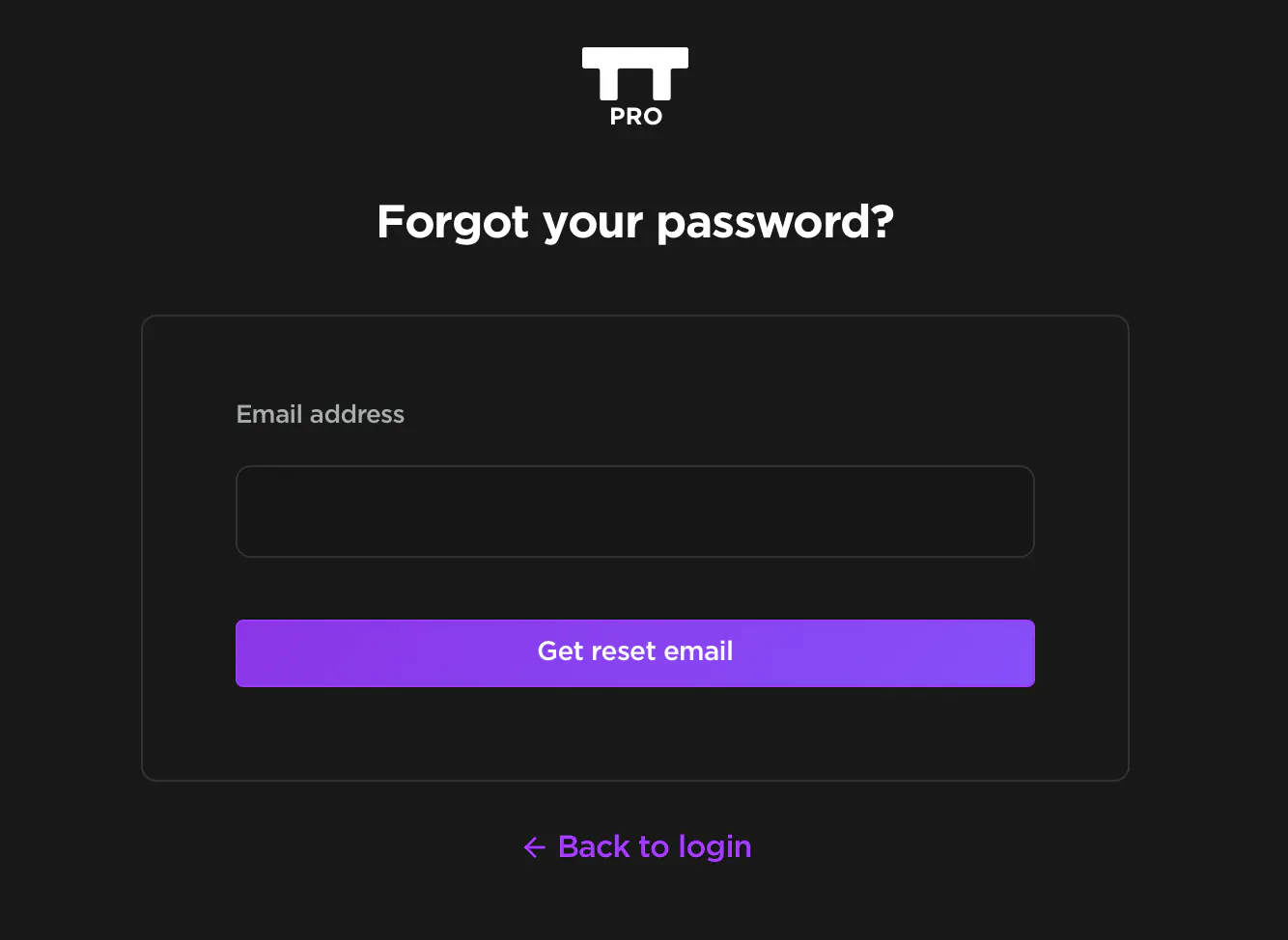
- Go to https://app.tablelistpro.com/forgot-password.
- Enter the email address tied to your TablelistPro account.
- Open the reset email and follow the link to create a new password.
If you don't see the email after a few minutes, check your spam or junk folder.