Hide a table or ticket from the public menu and sell it only through a direct link.
Create the item first:
Web
Open the sidebar, click Inventory, and open the item.
Go to Advanced and turn on Internal. It only allows purchasing through a direct link.
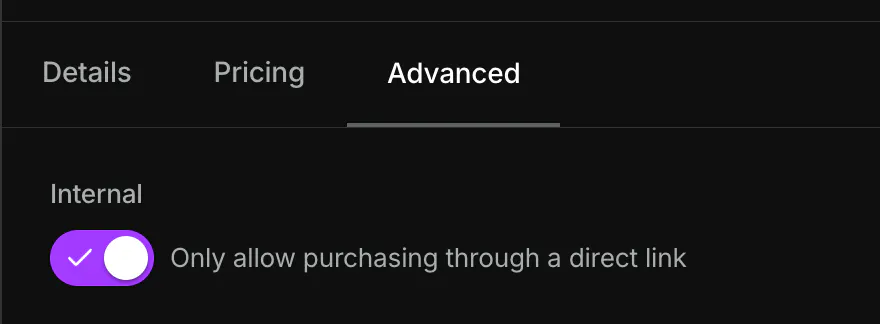
Click Save. If the item repeats, choose Just Today or All Days.
An Internal badge shows next to the status toggle.
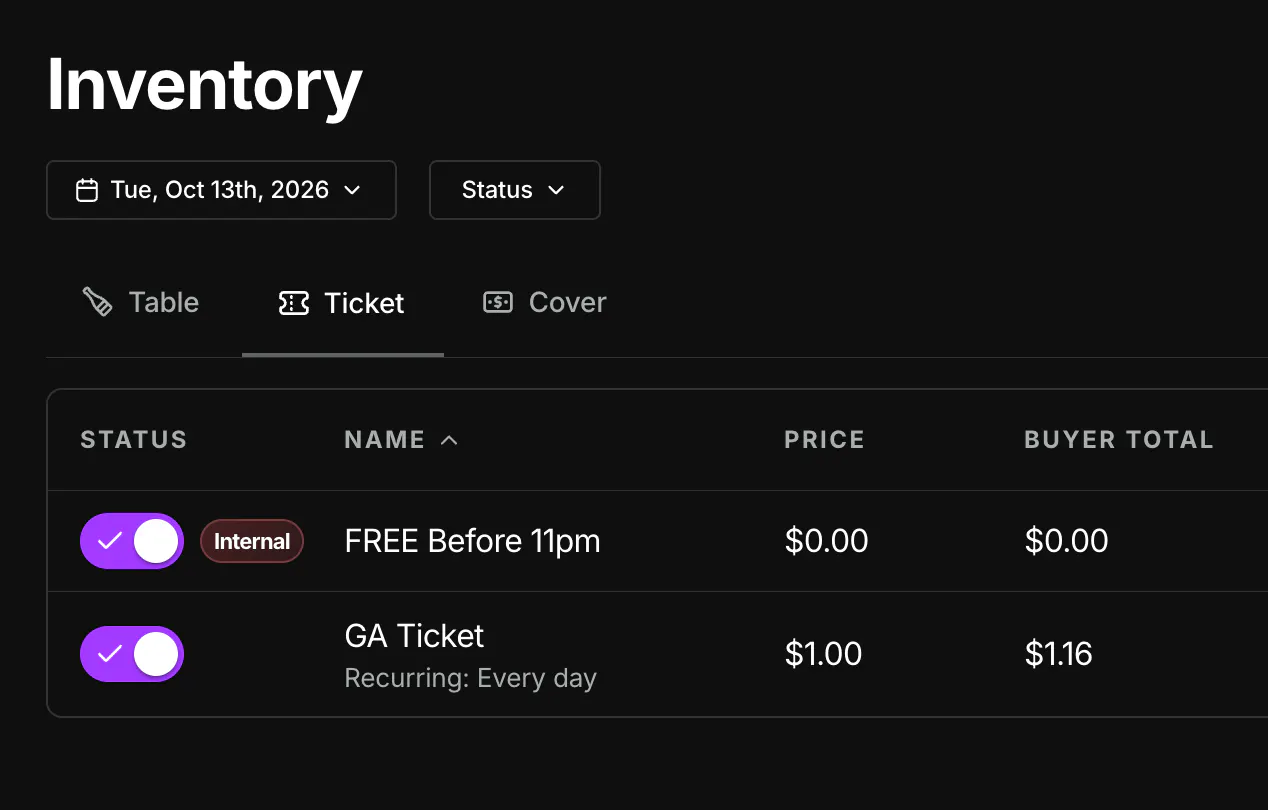
To send the link, open Actions and click Copy Fast Pass Link. Pick a Booked By source and click Continue, or click Without Booked By. The URL opens a checkout page. A booked-by source gets credit for purchases from that link.
Mobile
Open the Inventory tab and open the item.
Scroll to More and turn on Internal.
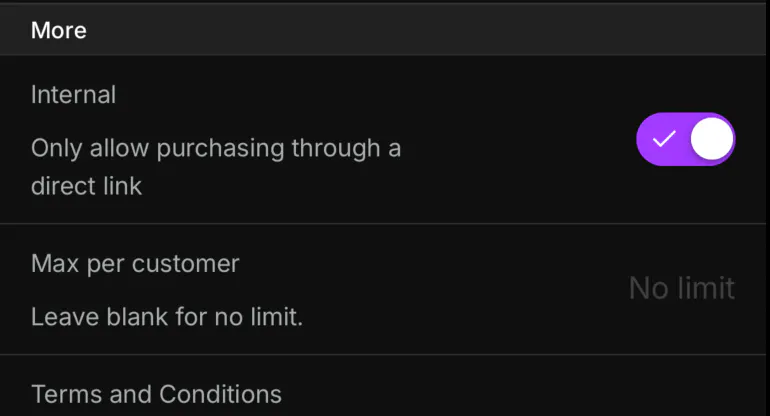
Tap Save. If the item repeats, choose Just Today or All Days.
An Internal badge shows next to On sale or Off sale.
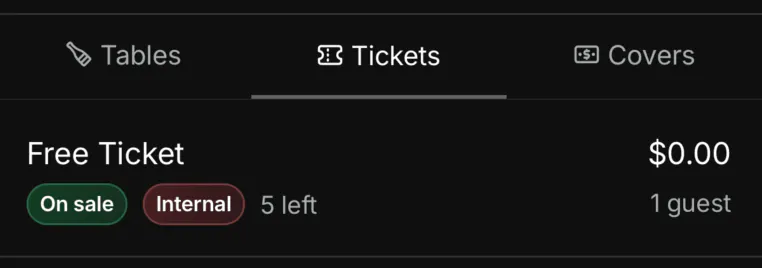
Swipe the row and tap FastPass, then Copy Fast Pass Link. The link includes the logged-in account's tracking ID, so bookings are credited to that account.