Set up recurring events so your weekly nights run on autopilot. You choose the repeat when you create the event.
Web
Open the sidebar, click Events, then click the purple +.
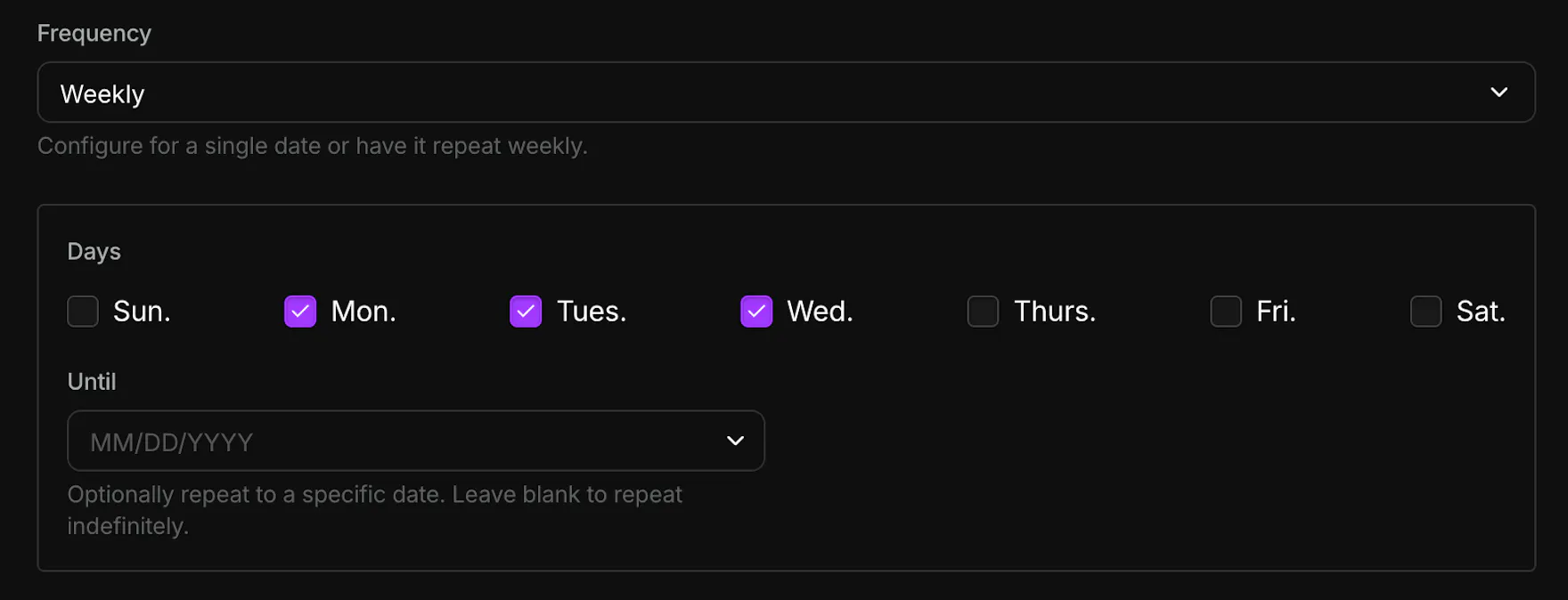
Set Frequency to Weekly. Check the Days you want it to repeat. For a Friday night, check Fri.
Set an Until date if the series should stop. Leave it blank to repeat indefinitely.
Click Save.
Mobile
Open the sidebar, tap Events, then tap New.
Scroll to Frequency and choose Weekly. Check the days you want. Set Until if the series should stop, or leave it blank to repeat indefinitely.
Tap Save.