Get notified when someone submits a reservation, reservation request, payment link, or ticket -- or when they message you through Customer Chat.
Web
- Open the account menu from the sidebar (your profile row or the ⋯ button).
- Click your name to open Account.
- Click Notifications.
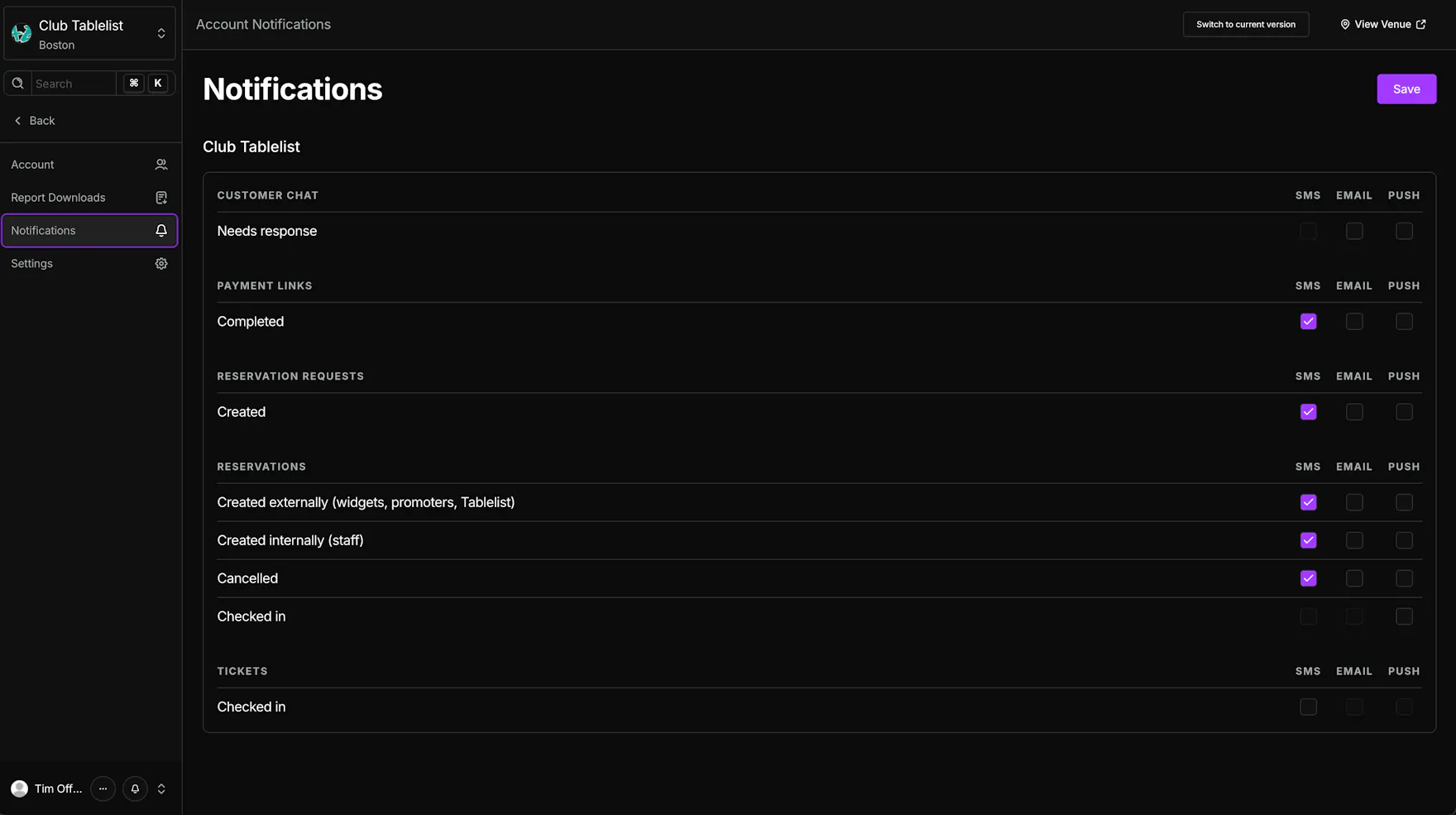
- For each venue, check SMS, Email, and/or Push for the alerts you want.
- Click Save.
Mobile
- Open the sidebar and tap Settings.
- Tap Notifications.
- For each venue, tap SMS, Email, and/or Push for the alerts you want.
- Tap Save.
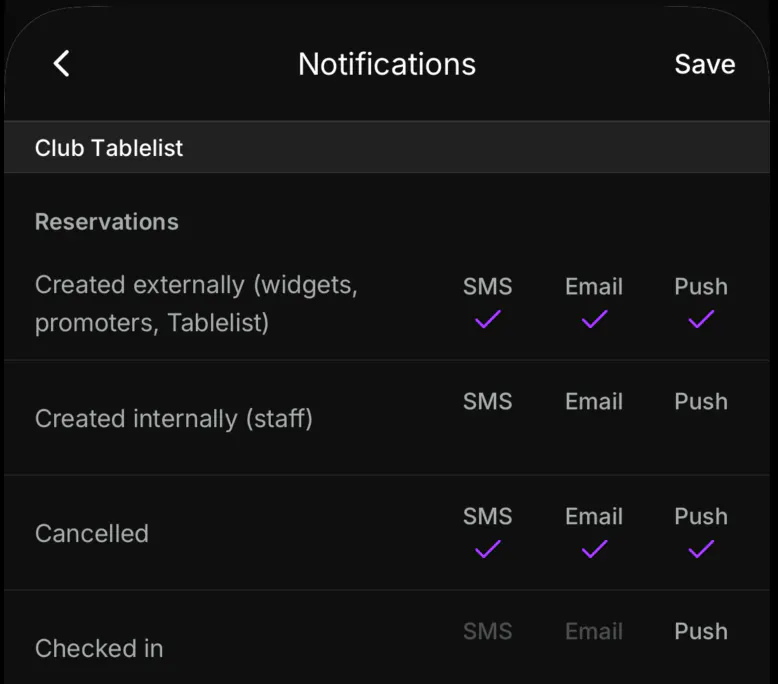
If push is off for TablelistPro on your phone, tap Turn on notifications, or enable notifications for TablelistPro in your device settings.
Booking alerts include:
- Payment Links -- Completed
- Reservation Requests -- Created
- Reservations -- Created externally (widgets, promoters, Tablelist), Created internally (staff), Cancelled, Checked in
- Tickets -- Checked in
Some rows do not support all channels, so certain checkboxes stay disabled.
For every category, including Customer Chat, see Account Notifications.