Turn reservation requests, guestlist, and tally on or off for a date.
Open the sidebar, click Settings, then Availability.
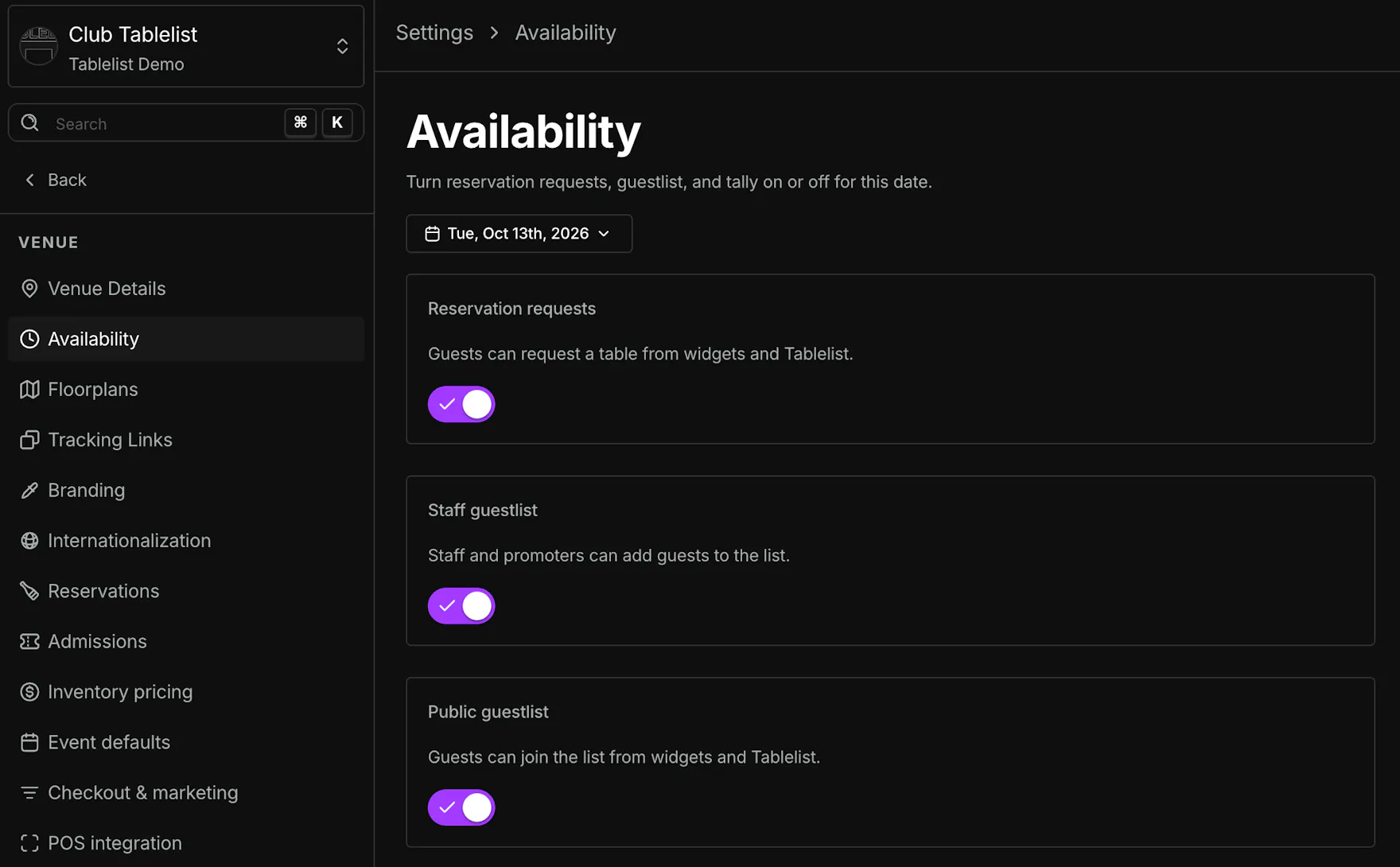
Pick the date at the top, then set:
- Reservation requests — guests can request a table from widgets and Tablelist.
- Staff guestlist — staff and promoters can add guests to the list.
- Public guestlist — guests can join the list from widgets and Tablelist.
- Staff tally — staff scans can add anonymous guests to the tally.
- Guestlist Cutoff — stop taking guestlist after this time. Leave it blank to keep guestlist open all night.
Click Save. Choose This date only, or Every upcoming date to use the same settings for this date and every date after it.