Set a table, ticket, or cover to repeat each week so you don't recreate it for every date.
Set Frequency when you create the item. You can't change the days after it's saved.
Web
Open the sidebar, click Inventory, and click the purple +.
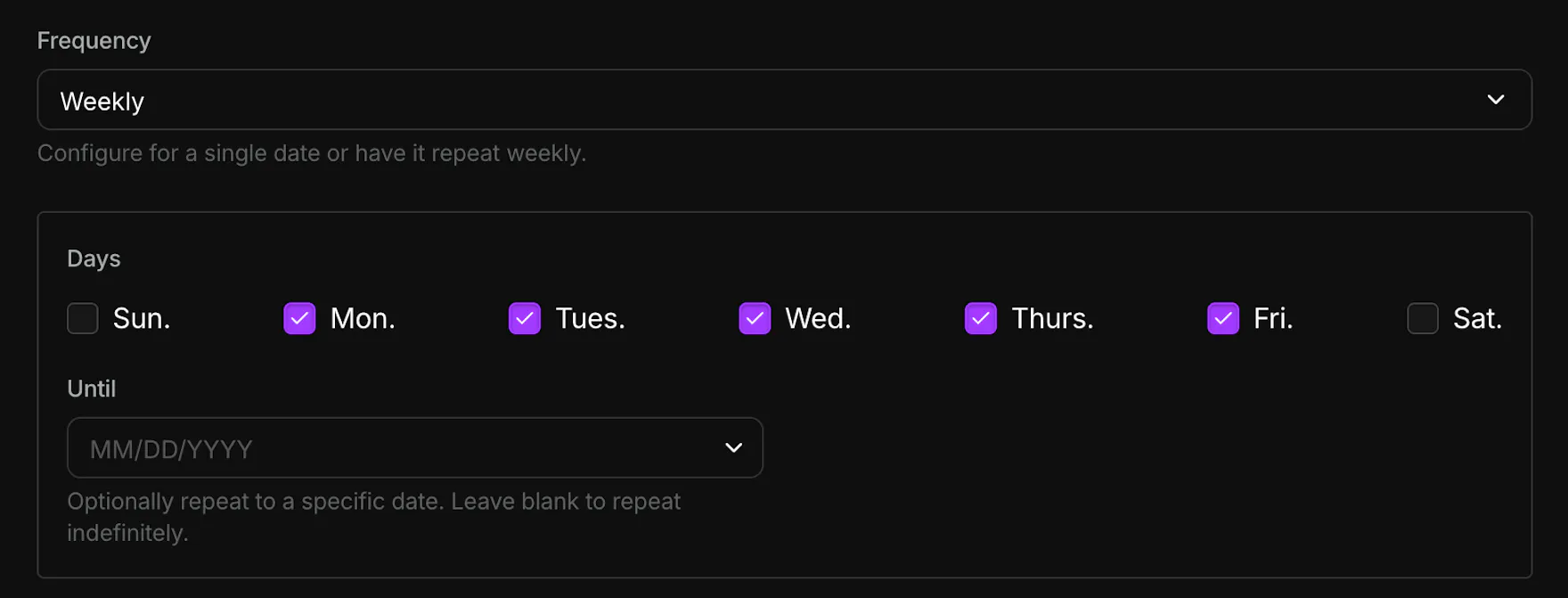
Under Details, set Frequency to Weekly. Check the Days you want. Set Until if the series should stop, or leave it blank to repeat indefinitely.
Click Save.
The row shows Recurring under the name, with the days or Every day. When you edit a date later, choose Just Today or All Days.
Mobile
Open the Inventory tab and tap +.
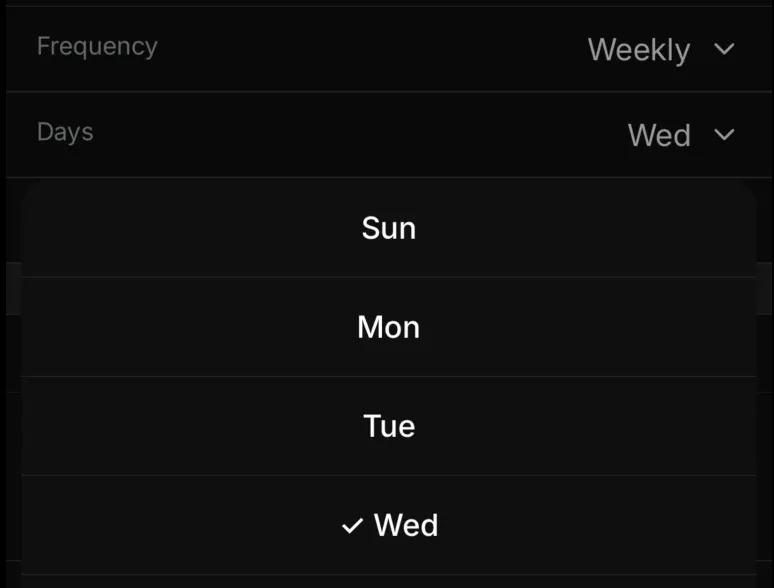
Under Details, set Frequency to Weekly. Tap Days and check the days you want. Set Until, or leave it as No end date.
Tap Save. When you edit a date later, choose Just Today or All Days.