Control what your promoters can see and do in TablelistPro with permissions.
Web
Open the sidebar, click Settings, then Team, then Promoters, then click the promoter's row to open their profile.
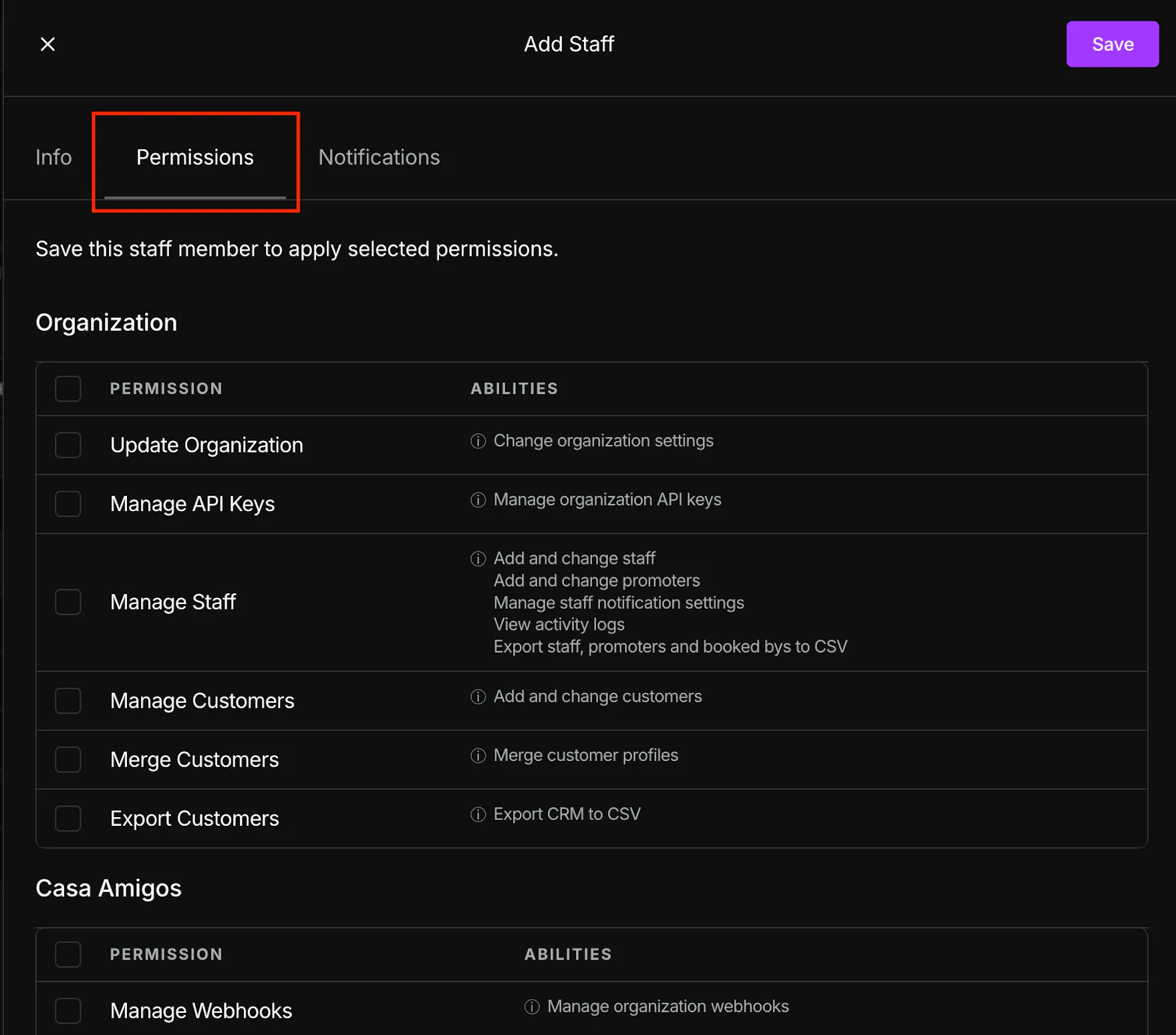
Under Permissions, use the toggles to grant or restrict access. Promoter permissions are scoped per venue — expand each venue to set what that promoter can do there.
iOS
Open the sidebar, tap Team, tap Promoters, then tap the promoter's name. Open Venue Permissions, select the venue, check the permissions you want, then tap Save.
Android
Same as iOS: promoter profile → Venue Permissions → choose venue → select permissions → Save.