Choose a Payment Type when you add a table or ticket.
- Prepaid Full — the customer pays the full amount upfront, including tax and service charge.
- Prepaid Deposit — the customer pays a deposit upfront, without tax or service charge. You collect the remaining balance, plus tax and service charge, at the venue. Set Deposit Amount when you pick this.
- Authorization — the customer doesn't pay upfront, but provides a card to verify it's valid. You collect the full balance, plus tax and service charge, at the venue.
- No payment — the customer doesn't pay upfront and doesn't provide a card. You collect the full balance, plus tax and service charge, at the venue.
If you're not taking payment in advance, Authorization still confirms the card is valid.
Web
Open the sidebar, click Inventory, and open the item. Go to Pricing and choose a Payment Type.
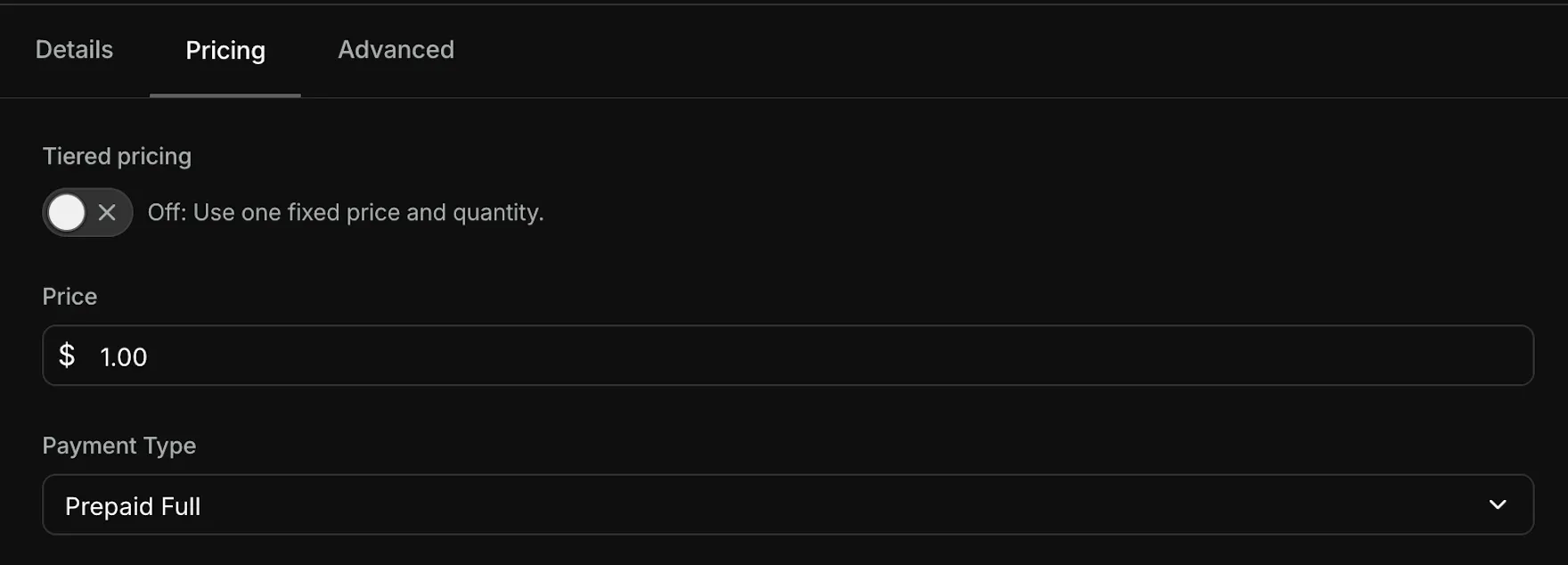
Click Save.
Mobile
Open the Inventory tab and open the item. Under Pricing, tap Payment Type and choose one.
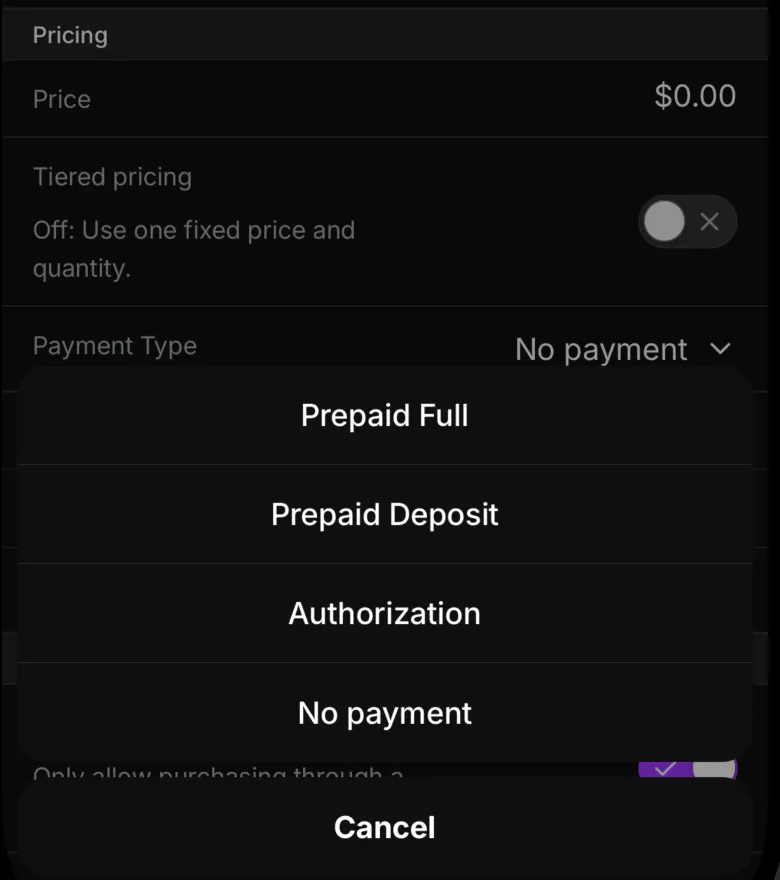
Tap Save.