Promoters are outreach partners with their own logins and limited permissions — see Team for how they differ from staff and servers.
Web
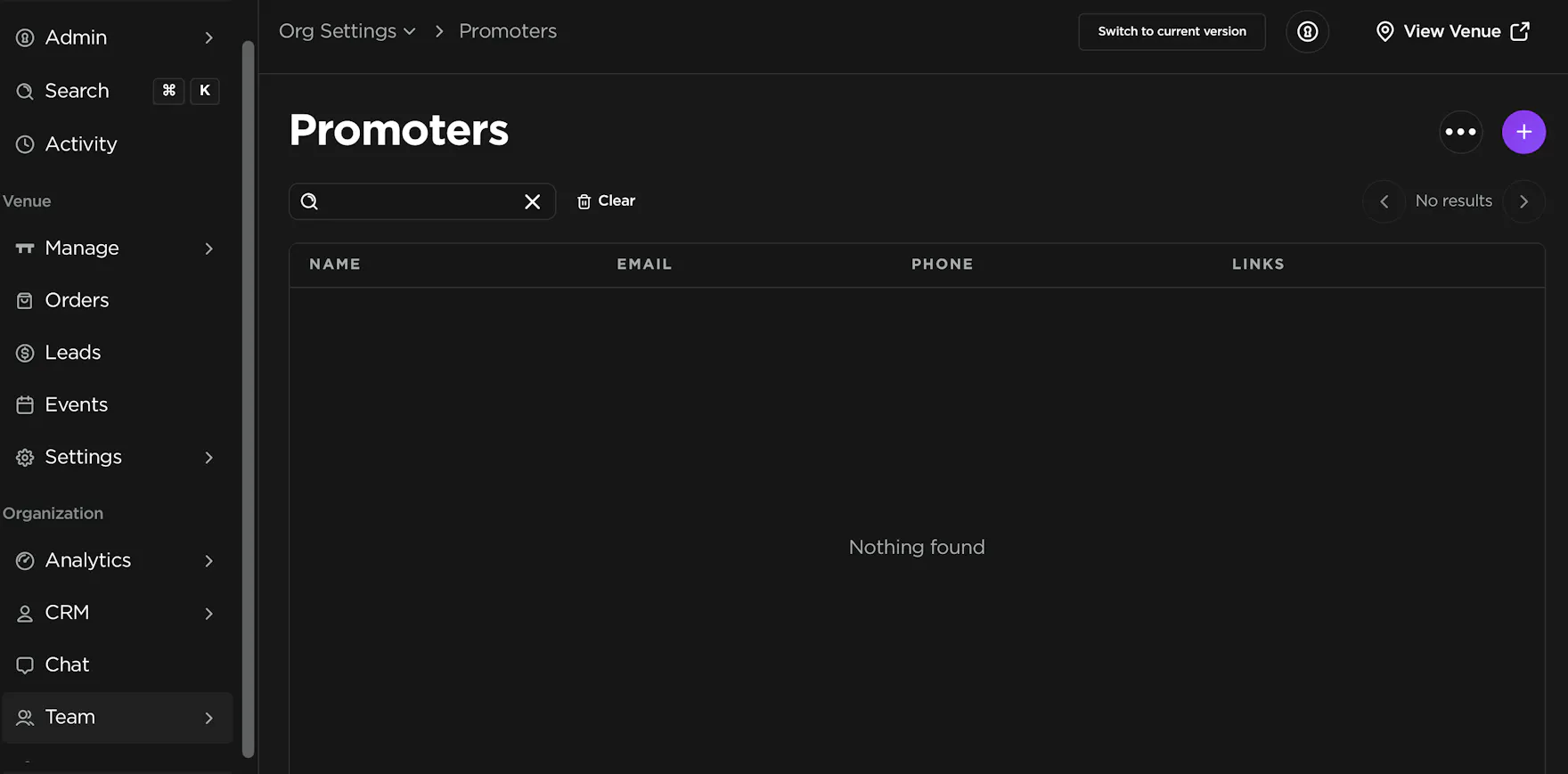
To add a promoter on the web, open the sidebar, click Settings, then Team, then Promoters, then click the round + button in the page header.
In the slide-out panel, fill in:
- Profile picture (optional)
- Name
- Email address — they receive an invite to set a password and log in
- Phone number
Click Save.
You must set permissions before they can access TablelistPro. See Choosing promoter permissions. They receive the invite email after you save.
The promoters table includes a Sharing column. Click the external-link icon to copy that promoter's venue tracking URL or Print QR code. Bookings from that link or QR are credited to them. This is different from the generic venue Print QR code on Settings → Details, which does not credit anyone. See Managing attributions.
iOS
Open the sidebar, tap Team, tap Promoters, then tap the plus sign in the top right. Enter Name, Phone, and Email, then tap Save.
Set promoter permissions before they can use the app.
Android
Same flow as iOS: Team → Promoters → plus sign → details → Save, then set permissions on their profile.