Open your account menu to get help fast, share feedback, and update your profile.
Web
- Open the sidebar.
- At the bottom, click your profile row or the ⋯ button.
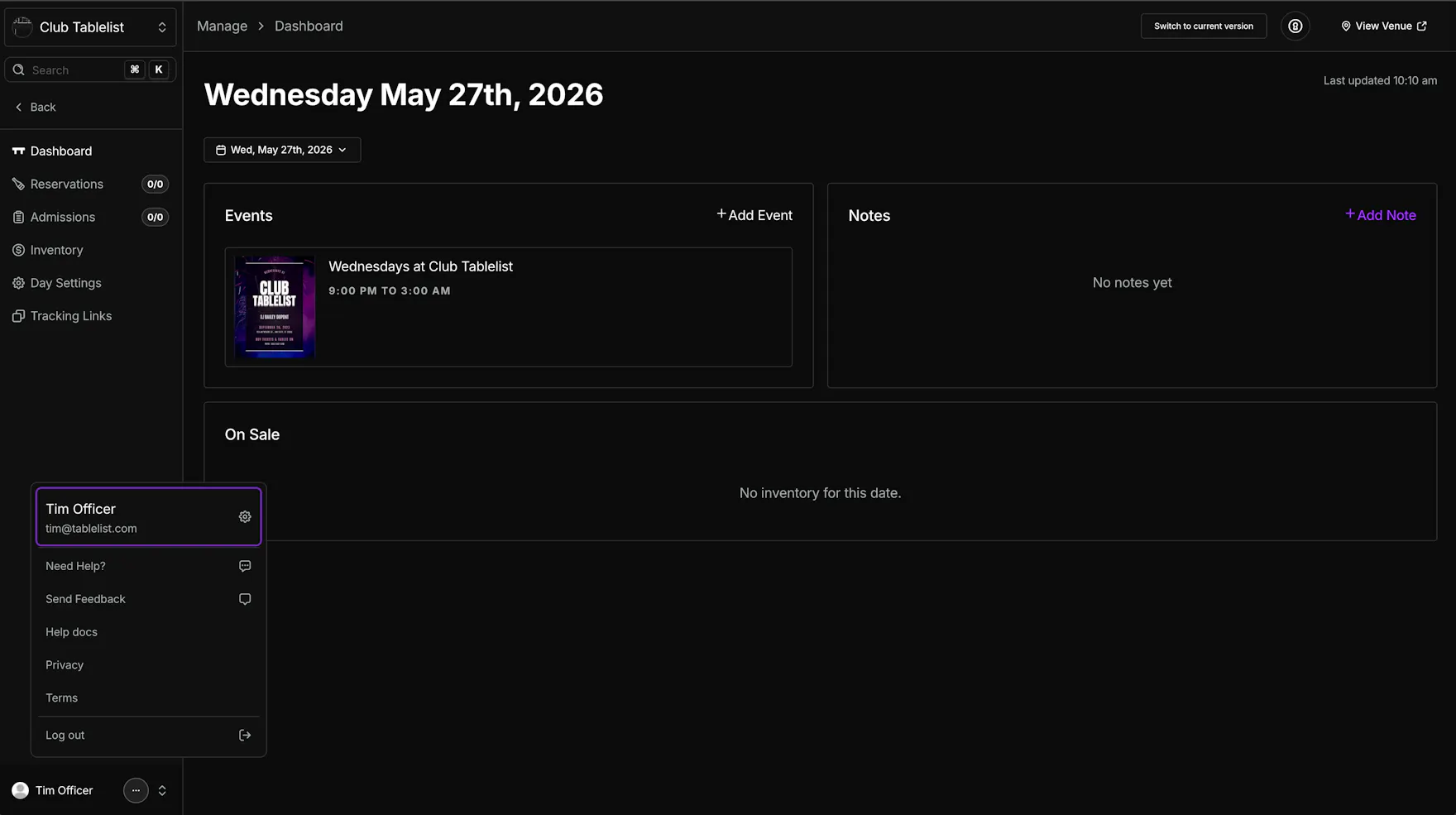
From this menu, you can:
- Need Help? -- Chat directly with support.
- Send Feedback -- Share feedback, ideas, feature requests, or bugs. The more detail, the better.
- Help docs -- Open the TablelistPro Help Center.
- Privacy -- Open the privacy policy.
- Terms -- Open the terms & conditions.
You can also click your name at the top of this menu to open the full Account area, including your notification preferences.
Set your notification preferences in Account Notifications.
Mobile
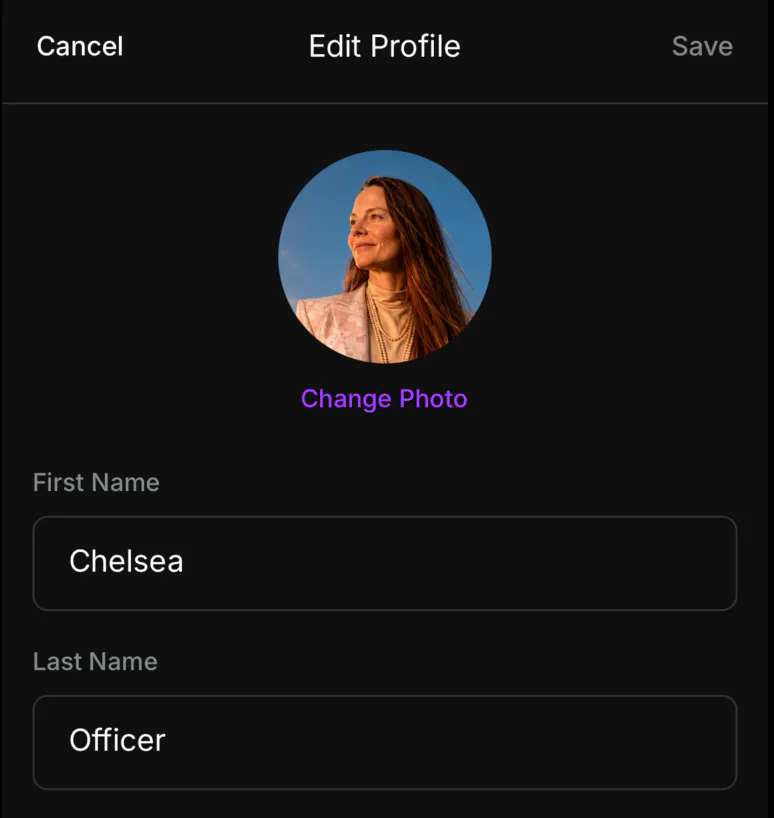
Update your photo, name, email, and phone from the app.
- Open the sidebar and tap Settings.
- Tap Account.
- Tap Change Photo to take a photo or choose one from your library.
- Update First Name, Last Name, Email, and Phone.
- Tap Save.
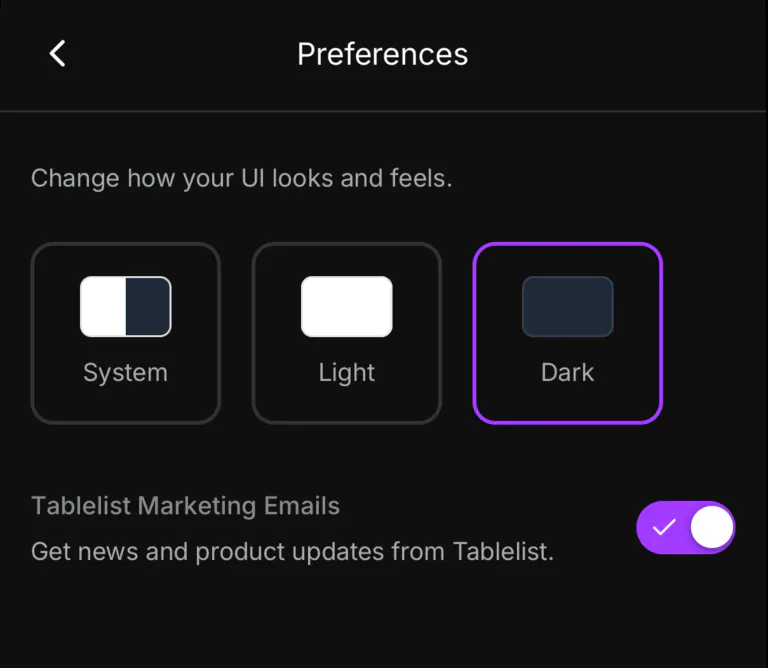
Preferences
Choose a theme and whether you want product news by email.
- Open the sidebar and tap Settings.
- Tap Preferences.
- Choose System, Light, or Dark. The app updates right away.
- Turn Tablelist Marketing Emails on or off.