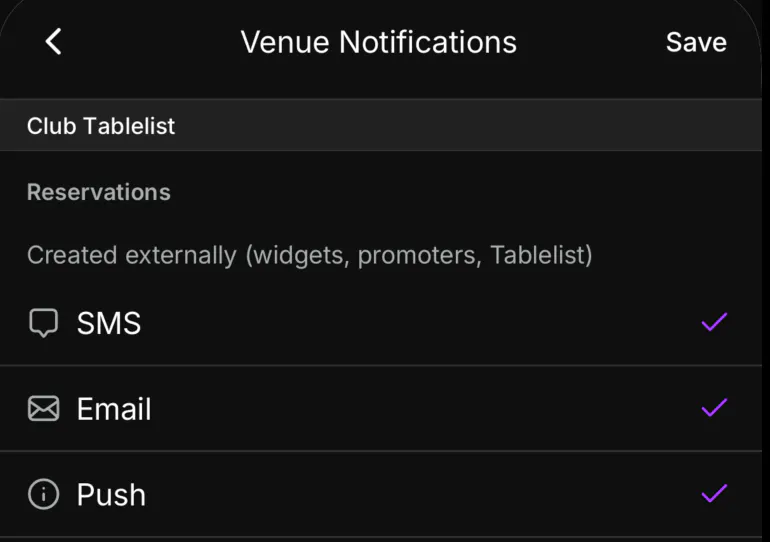
Keep your team in the loop with email, text, and push notifications from TablelistPro.
Web
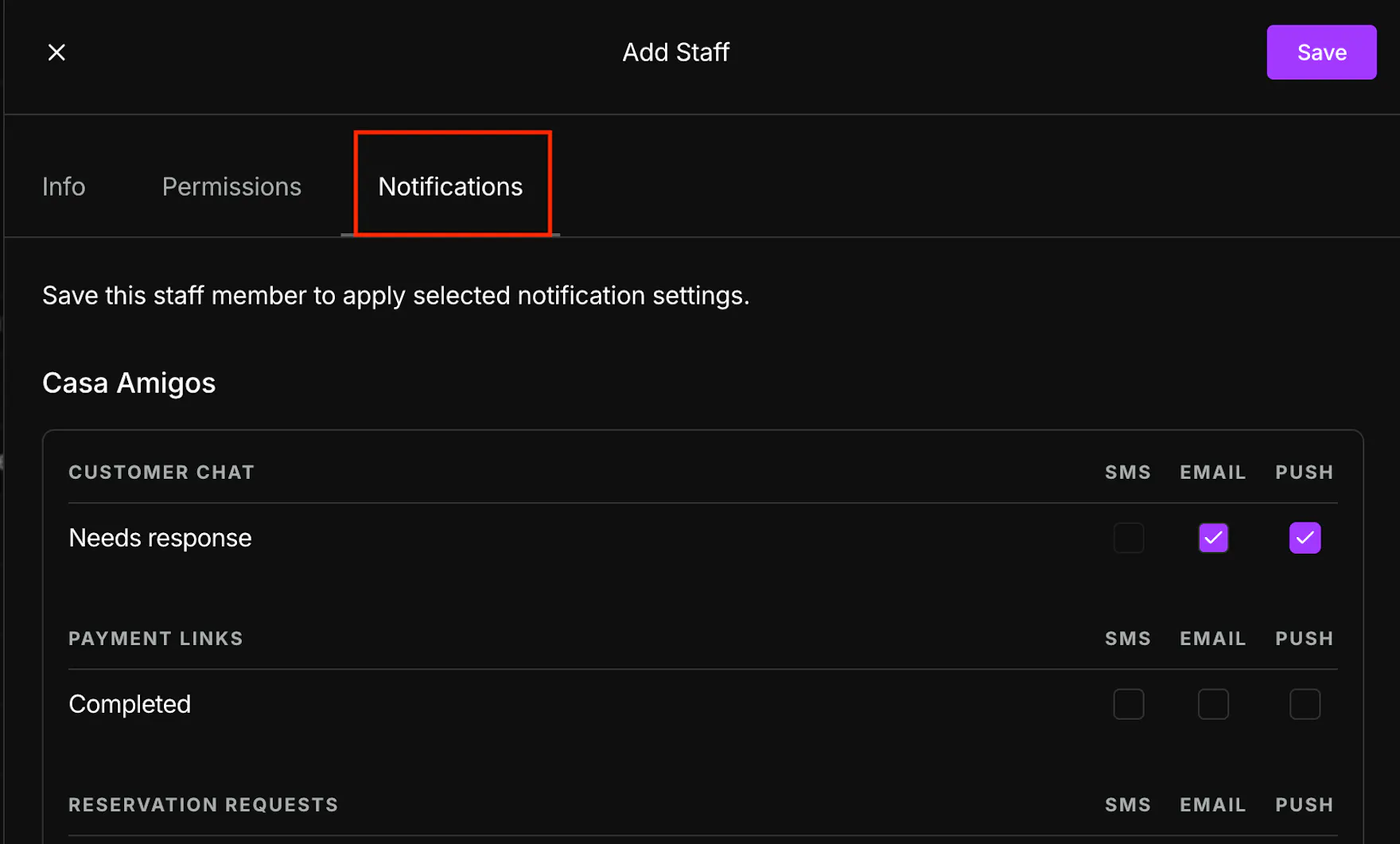
To set up notifications for a staff member on the web, open the sidebar, click Settings, then Team, then Staff, then click the employee's profile.
Under Notifications, check each box to enable alerts for Reservations, Reservation Requests, Payment Links, Tickets, and Customer Chat.
Mobile
To set up notifications for yourself on the mobile app, open the sidebar, tap Team, tap Staff, and tap your name.
Then tap Venue Notifications, select your venue, check the notifications you want, and press Save.