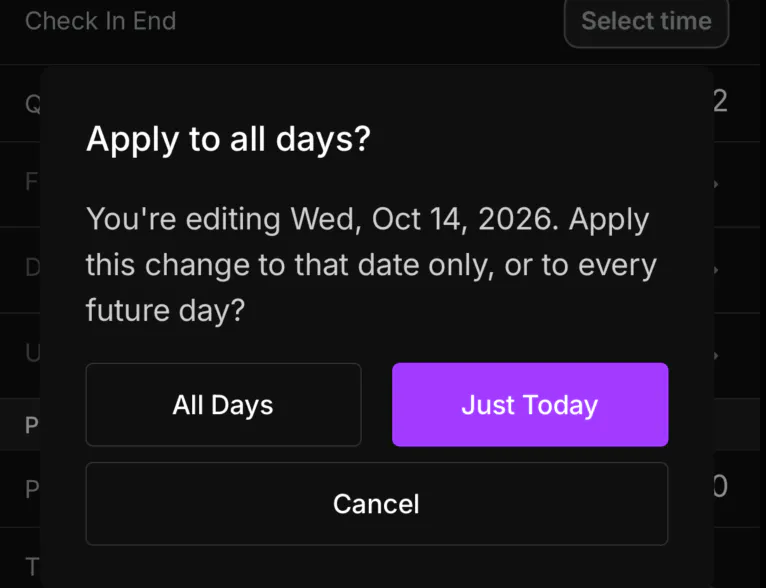
Edit a recurring table so the change hits one date or every future day.
Web
Open the sidebar, click Inventory, and stay on Table. Pick the date, then open the table.
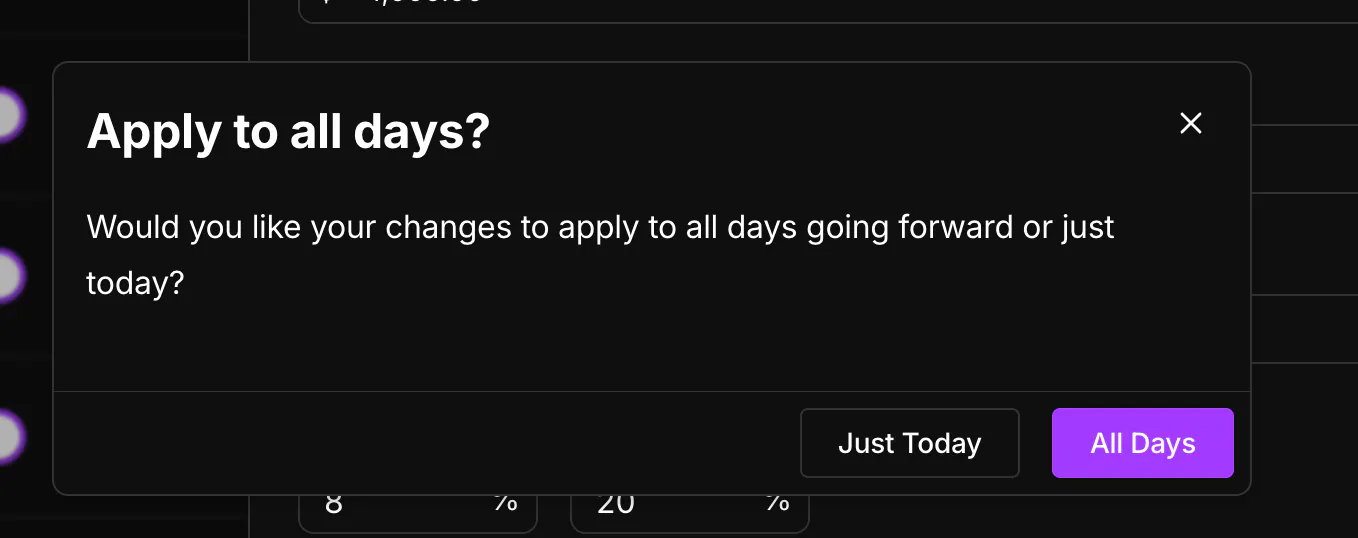
Make your edits and click Save.
Just Today affects only that date. All Days updates every day going forward.
Mobile
Open the Inventory tab, stay on Tables, and open the table.
Make your edits and tap Save.
Just Today affects only that date. All Days updates every future day. Cancel leaves the table unchanged.